
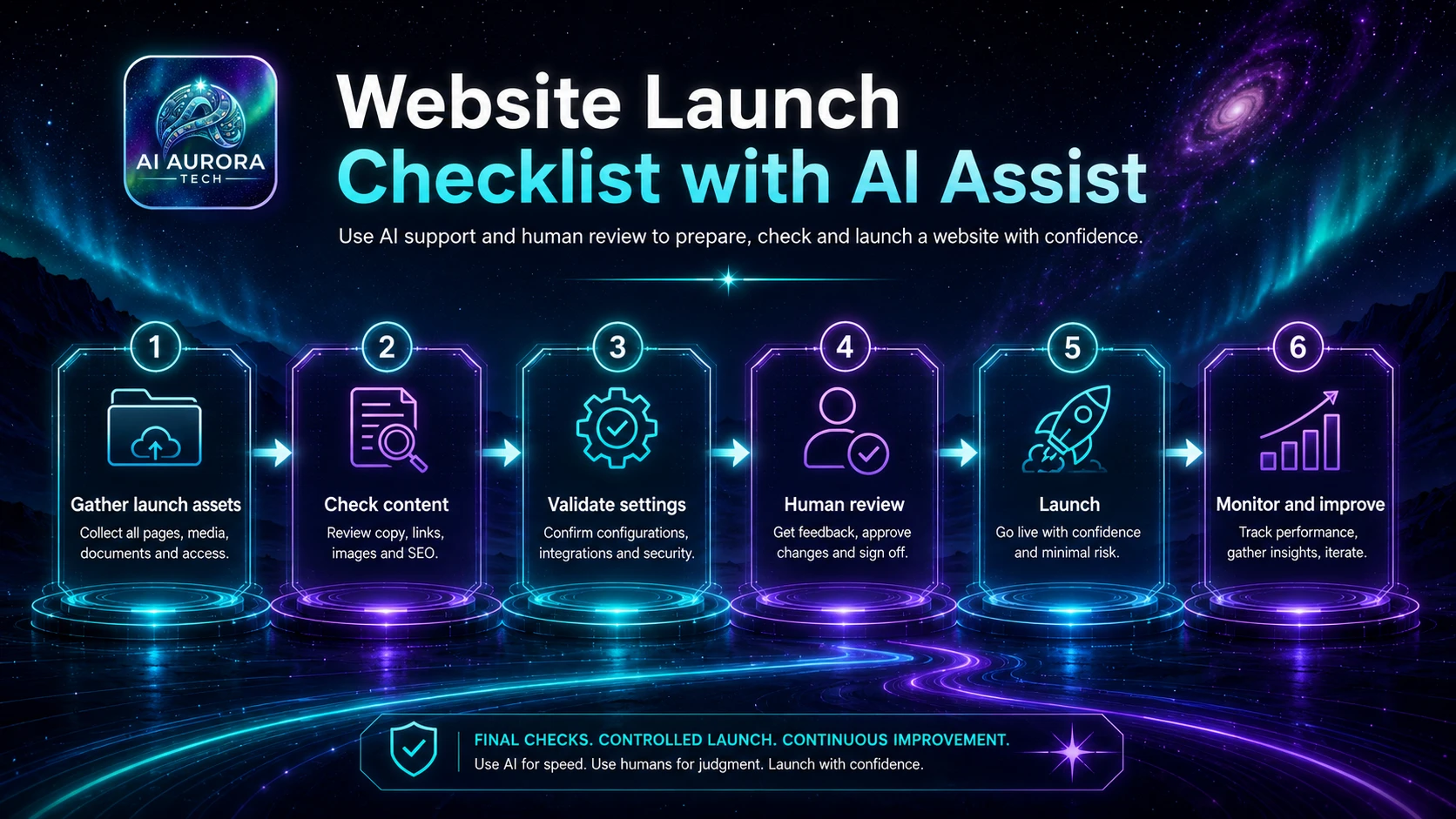
A website launch workflow coordinates content, design, technical configuration, privacy, analytics, accessibility, SEO and operational ownership. AI can help organise evidence and surface omissions, but it must not declare a site ready without human checks on the actual production environment.
Outcome
A documented go or no-go decision supported by completed checks, named owners, recorded exceptions, verified production output and a monitored post-launch plan.
Suitable users
- Builders and small teams launching a new website, migration, redesign or major content release.
- Consultants coordinating work across content, development, SEO, privacy and client stakeholders.
- Site owners who need a repeatable release process rather than an informal final-day checklist.
Trigger
The workflow starts when the release candidate is available in the approved staging or production environment and the launch scope has been frozen.
Required inputs
- Approved launch scope and release candidate.
- Domain, hosting, DNS, CMS and deployment access.
- Page inventory, redirects and canonical plan.
- Approved copy, media, metadata and legal disclosures.
- Analytics, consent and integration configuration.
- Owner list, launch window, rollback plan and monitoring period.
Tool options
| Operating model | Suitable when | Important control |
|---|---|---|
| Human-operated checklist | The launch is small or systems vary significantly | Each check must link to evidence and an owner |
| Project-system workflow | Multiple contributors complete repeatable check groups | Prevent a status change without required evidence |
| Deployment-assisted checks | Technical tests can run consistently in staging and production | Automated success never replaces visual, content and legal review |
Process flow
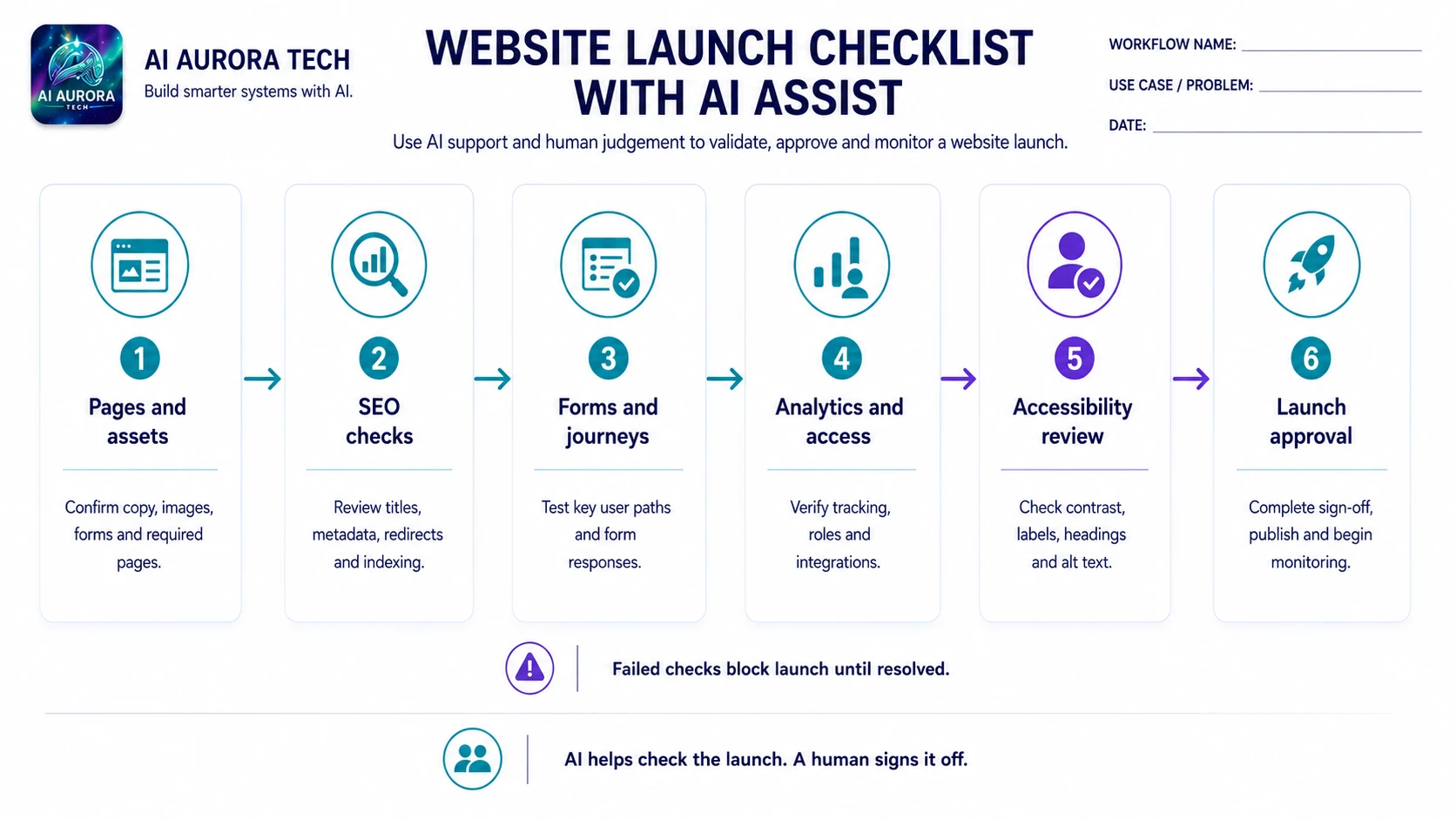
- Freeze the release scope and identify every page, integration, redirect and environment included.
- Create the launch record with owners, check groups, evidence requirements, window and rollback authority.
- Validate content completeness, navigation, internal links, forms, downloads, images and responsive presentation.
- Validate technical delivery: HTTPS, redirects, canonicals, index controls, sitemap, performance, backups and deployment recovery.
- Validate operational and legal configuration: contact routes, consent behaviour, privacy disclosures, accessibility checks and data destinations.
- Use AI only to organise test evidence, compare inventories or draft issue summaries from supplied results.
- Run human visual checks across representative desktop and mobile views and complete real form, email and download journeys.
- Classify every open issue as blocker, accepted risk or post-launch task. No item may remain ownerless.
- The launch owner records the go or no-go decision and confirms the rollback trigger.
- After deployment, repeat critical checks in production, monitor errors and complete the agreed stabilisation review.
Human approval points
- Content owners approve final copy, media and page completeness.
- Technical owners approve deployment, redirects, backup and rollback readiness.
- The site owner approves privacy, analytics, consent and legal statements.
- The launch owner accepts residual risks and makes the final go or no-go decision.
Exception handling
- A blocker is discovered after the launch window begins.
- Staging and production configurations differ.
- A redirect, form, email or download behaves differently in production.
- AI-generated test summaries omit evidence or mark an untested item complete.
- DNS, cache or deployment changes do not propagate as expected.
- A serious issue appears after launch and requires rollback.
Failure and fallback procedure
- Stop the release when a blocker has no approved workaround.
- Restore the last known-good deployment or maintenance state according to the recorded rollback plan.
- Keep a manual checklist and evidence folder available if project or automation tools fail.
- Retest critical journeys after every remediation rather than assuming the fix is isolated.
- Record the incident, user impact, correction and prevention action before closing the launch.
Approved output destination
The authoritative output is the launch record containing evidence, approvals, accepted risks, production verification and post-launch actions. The live site is the product; generated summaries are supporting records.
Owner
A named launch owner coordinates the release. Individual checks remain owned by the content, technical, privacy, analytics and operational specialists responsible for them.
Measurement
- Percentage of required checks completed with evidence.
- Open blockers and accepted risks at decision time.
- Broken journeys or serious errors found after launch.
- Time to detect and resolve production defects.
- Redirect, form, download and analytics verification results.
- Completion of post-launch actions and stabilisation review.
Setup checklist
- Define launch scope, owner and rollback authority.
- Create grouped checks for content, technical, SEO, privacy, accessibility and operations.
- Require evidence and owners for each check.
- Test forms, email, downloads, redirects and mobile views using the real release candidate.
- Test a failed deployment and rollback route before the launch window.
- Define blocker severity and accepted-risk approval.
- Schedule immediate and follow-up production verification.
Pilot sequence
- Select a small set of representative cases, including at least one incomplete input and one exception.
- Run the workflow manually while recording actual hand-offs, corrections and decisions that the documented process missed.
- Enable AI assistance for one bounded task and compare the result with the manual baseline before connecting further actions.
- Add integrations and low-risk automation one step at a time. Retest duplicate handling, permissions, alerts and manual fallback after every change.
- Review the evidence with the workflow owner and decide to adopt, revise, narrow or stop. Do not expand merely because the demonstration completed.
Operating record
Keep the current workflow definition, tool configuration, prompt version, permission decisions, test evidence, exception log, owner and review date together. A diagram or automation configuration is not sufficient on its own because it does not explain why the system is allowed to act, how a reviewer makes a decision or how the team recovers when conditions change.
Stop conditions
- Material output cannot be checked against an authoritative source.
- Exceptions or manual corrections are increasing rather than stabilising.
- The workflow creates commitments or consequential actions without meaningful approval.
- The owner, fallback route or source system is no longer available.
- Operating cost, maintenance or user burden exceeds the measured benefit.
Prompt asset specification
- Required inputs: launch inventory, check results, owners, evidence links, issue severity and decision rules.
- Master instruction: organise supplied results only; never mark an untested check complete.
- Variations: pre-launch gap review, issue triage, go/no-go brief and post-launch incident summary.
- Output contract: check status, evidence, owner, blocker decision, accepted risk and next action.
- Human review: all production journeys, legal statements, launch decision, rollback readiness and external communications.