
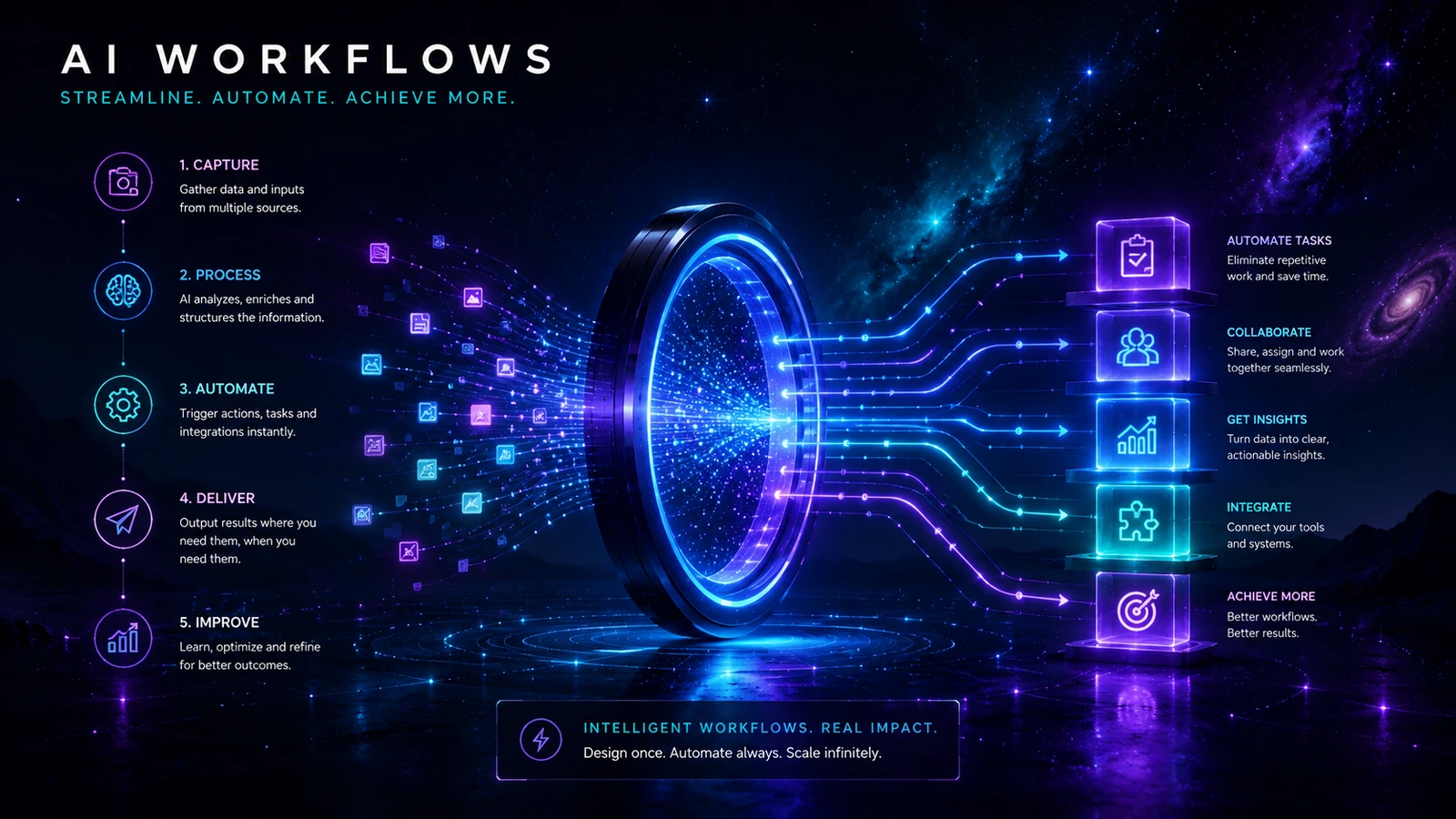
AI workflows turn tools, information and human decisions into repeatable operating processes. Each blueprint defines the trigger, inputs, rules, AI task, approval, exception route, destination, owner, measurement and manual fallback.
Choose a workflow by the problem you need to solve
| Workflow | Use it when | Primary outcome |
|---|---|---|
| Lead Intake Autopilot | Enquiries are delayed, incomplete or inconsistently routed | A validated lead record, acknowledgement and owned follow-up |
| Proposal Builder Workflow | Scoping information is scattered and proposals are slow to assemble | A reviewable proposal grounded in approved facts and terms |
| Content Production System | Briefs, evidence, drafts and reviews are disconnected | A publish-ready content package with ownership and maintenance |
| Client Onboarding System | Accepted clients experience unclear hand-offs or missing setup | A complete onboarding record and visible delivery start |
| Weekly Operations Report Generator | Weekly reporting consumes time and produces inconsistent narratives | A validated report with owned actions and traceable evidence |
| Website Launch Checklist with AI Assist | A launch needs coordinated content, technical and operational checks | An evidence-backed go or no-go decision and monitored release |
What every AI Aurora workflow contains
- Outcome: the useful end state and the problem being reduced.
- Trigger and inputs: the exact starting event and required information.
- Tool options: practical operating models rather than one universal product choice.
- Process flow: the normal route from intake to approved destination.
- Human approval: what a person checks and which actions cannot proceed automatically.
- Exceptions and fallback: missing data, duplicates, outages, rejected output and manual recovery.
- Ownership and measurement: who maintains the system and how usefulness is assessed.
How to use a workflow
- Compare the blueprint with the real process, including hidden checks and informal hand-offs.
- Remove unnecessary work before adding automation.
- Choose the smallest suitable operating model and one authoritative destination.
- Define data, permission and action boundaries.
- Test normal, edge and failure cases using representative inputs.
- Measure time, quality, rework, exception rate and operating cost.
- Expand only when ownership and recovery remain clear.
Use the planning canvas before implementation
The AI Workflow Canvas records the trigger, inputs, action, human review, exceptions, destination, owner and success measure on one page. Complete it before configuring tools.
When a workflow should remain manual
Keep work manual when it is rare, inputs are mostly missing, experienced people cannot agree on the normal route, the first action is difficult to reverse, or the decision can materially affect a person. A smaller administrative hand-off around the decision is often a safer first project.
A practical maturity path
| Stage | What changes | Evidence needed |
|---|---|---|
| Documented manual process | Trigger, inputs, owner, output and exceptions are written down | Baseline time, quality, rework and failure |
| Assisted workflow | AI or templates prepare a bounded draft | Representative examples show useful assistance |
| Connected workflow | Systems move validated information and create review tasks | Duplicate controls, logs, alerts and fallback are tested |
| Limited automation | Low-risk actions proceed within defined rules | Monitoring shows stable quality and manageable exceptions |
| Wider operation | More sources, volume or teams are added | Ownership, training, access review and change control remain effective |
Tool paths
| Operating preference | Explore |
|---|---|
| Accessible no-code setup and broad integrations | Zapier |
| Visual branching and data transformation | Make |
| Technical control and self-hosting options | n8n |
| Developer-first APIs and code steps | Pipedream |