
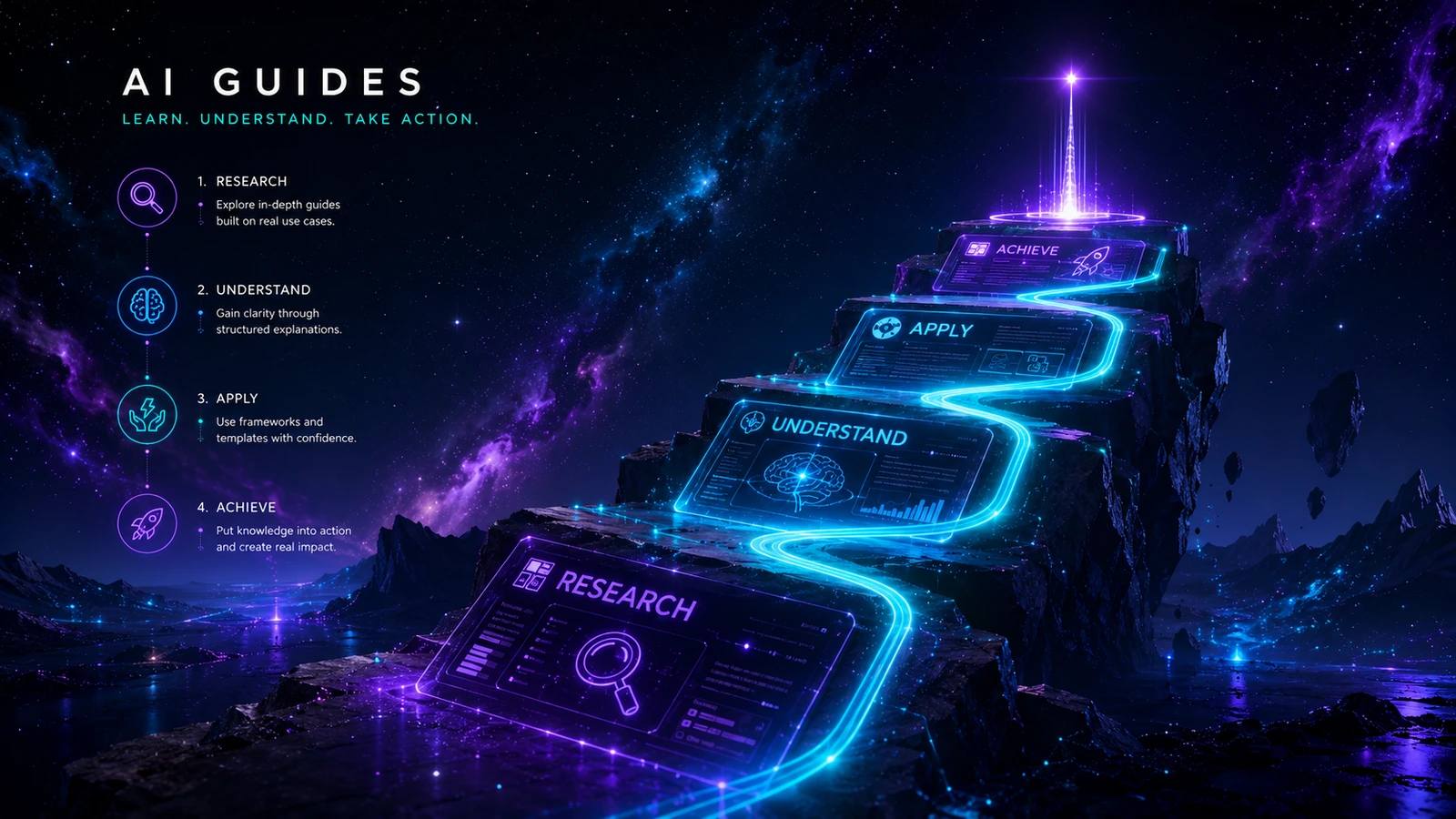
Practical guidance for choosing, implementing and improving AI systems.
Use the guide library to turn a broad AI idea into a defined decision, workflow or operating practice with clear human responsibility.
Guides are organised around decisions—not product launches
The library focuses on work that remains useful after a product interface changes: selecting tools, building a lean stack, defining repeatable workflows, placing human review and improving results.
Start with the question you need to answer. Use the framework, adapt the example to your environment and follow the links to relevant tool categories only after the process is clear.
The five retained guide tracks
🔍 AI Tool Selection
Define requirements, compare total operating cost and avoid subscriptions that do not solve a real problem.
⚙️ AI Automation
Select appropriate processes, map triggers and inputs, define failure handling and keep approval visible.
🧱 AI Stack Building
Combine assistants, knowledge, automation, storage and governance without unnecessary duplication.
🧩 AI Workflow Design
Turn useful instructions into a repeatable system with controlled inputs, outputs, ownership and exceptions.
📝 AI Content Systems
Connect audience, research, briefing, drafting, editorial review, publication and refresh.
A practical order for using the library
- Understand the problem. Describe the existing process and the uncertainty you need to reduce.
- Choose the method. Decide whether the work needs assistance, automation or a simpler non-AI change.
- Select tools after the process is defined. Use requirements, not feature excitement, to create a shortlist.
- Implement with review. Define instructions, data boundaries, owner, approval and fallback.
- Measure and improve. Compare the result with the previous process and remove weak steps.
Suggested reading paths
| Your situation | Begin here | Then continue to |
|---|---|---|
| You are paying for too many tools | How to Choose AI Tools | The Practical AI Stack |
| You want to automate a repetitive process | AI Automation for Small Business | Automation tool category |
| Your prompts produce inconsistent results | Prompting vs Systems | Start Here workflow brief |
| You need a reliable content process | AI Content Workflow | Writing and content tools |
| You are building a small business stack | The Practical AI Stack | AI Tools Directory |
How to apply a guide to your environment
A guide is a starting structure, not a substitute for understanding your process. Translate each framework into the language, systems and responsibilities used by your team, then record any local assumptions that change how the method should be applied.
- Replace generic examples with one real case from your work.
- Confirm which information is authoritative and which is only reference material.
- Name the person who owns the output and the person who approves exceptions.
- Adjust review depth to the impact of an error.
- Document the fallback when a tool, model or integration is unavailable.
- Schedule a review after the pilot so temporary workarounds do not become permanent.
When the guide recommends a tool category, use the AI Tools Directory to compare options against the requirements you have just defined.
🛡️ Human review is part of the system
AI can assist with research organisation, outlining, drafting, language refinement, tables and consistency checks. A human remains responsible for source interpretation, factual accuracy, recommendations, limitations, final wording and publication.
Guides identify review points and common failure modes, but they are general decision support. Adapt them to your organisation, data, contracts and regulatory obligations. Obtain qualified advice where the consequences require it.
What a substantial AI Aurora guide should give you
- A concise answer and intended audience.
- A framework or step-by-step process.
- A practical example and visible failure points.
- Clear human-review responsibilities.
- A checklist and useful next action.
- Relevant tool categories, workflows and sources.
- A publication or review date for time-sensitive material.
The five cornerstone guides are retained public assets and will be expanded through their scheduled production clusters. Supporting guides will be placed beneath these established topics rather than published as thin standalone sections.
Begin with the decision in front of you
Choose one guide track, apply its framework to a real piece of work and use the tools directory only when you can describe the capability you need.