
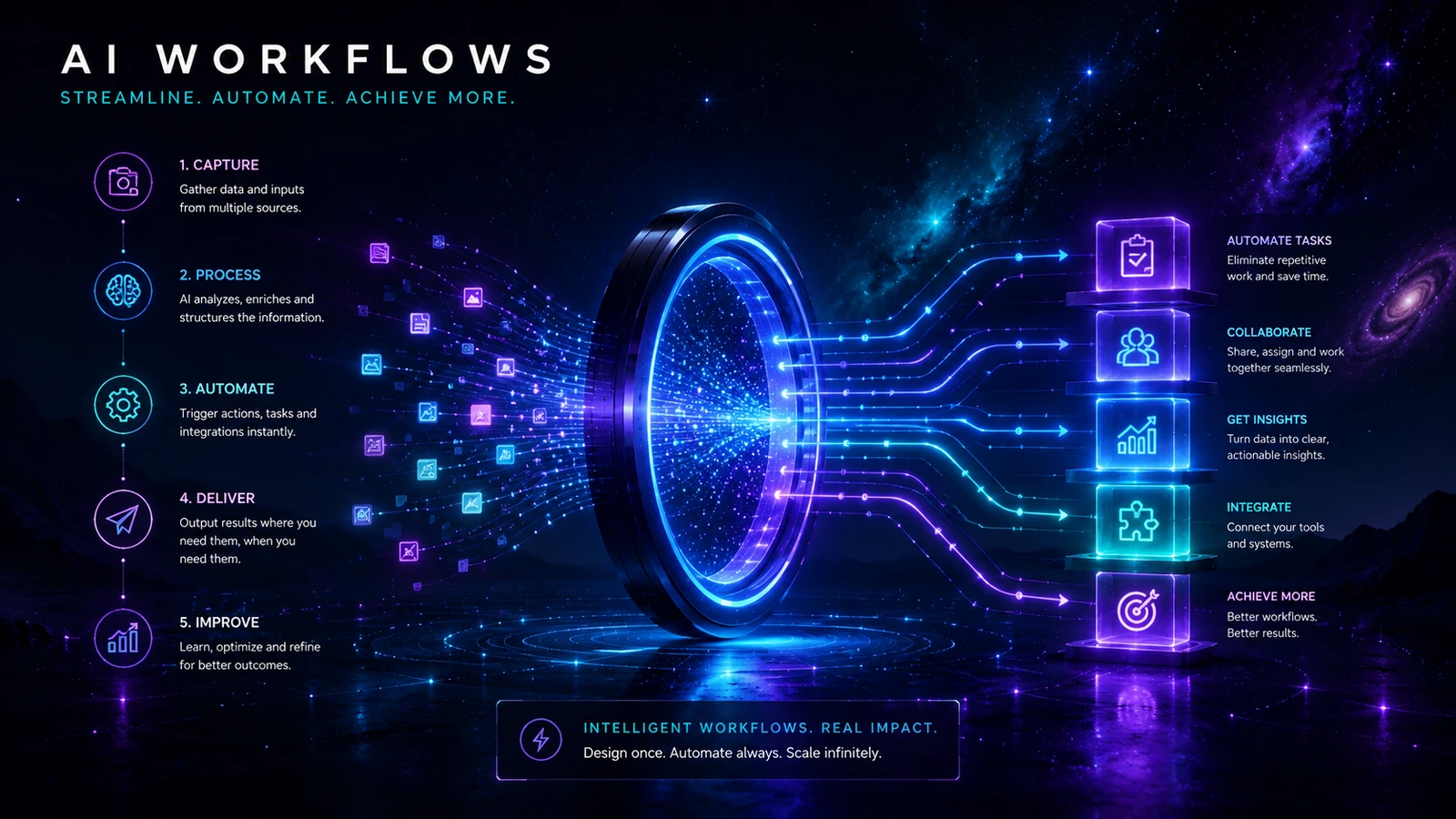
A useful AI workflow is more than a good prompt. It defines the outcome, required inputs, operating instructions, validation, human decisions, destination, ownership and recovery path. This topic helps builders turn occasional AI assistance into repeatable work without giving a model responsibility it cannot safely carry.
The practical distinction
A prompt asks for an output. A system makes the output repeatable and accountable. Use a one-off prompt for low-risk exploration. Build a workflow when the task repeats, depends on shared information, affects another person or needs a consistent standard.
What this topic covers
- Prompt design: writing clear instructions with inputs, constraints and an expected output structure.
- Reusable templates: separating stable instructions from variables that change each run.
- Workflow architecture: defining trigger, owner, steps, approval, destination and fallback.
- Human review: deciding what must be checked and what the reviewer needs to see.
- Automation boundaries: keeping fixed rules deterministic and using AI only where interpretation is needed.
- Evaluation: testing representative cases, recording failures and comparing results against a baseline.
- Change control: versioning prompts, models, source material and connected actions.
- Agentic risk: limiting permissions, tools and autonomy when systems can take actions.
Four levels of maturity
| Level | Best used for | What is still missing |
|---|---|---|
| 1. One-off prompt | Exploration, brainstorming and low-risk personal work | Shared inputs, consistent standards, ownership and repeatability |
| 2. Reusable prompt template | A repeated task run manually by one informed operator | Process controls, validation, hand-off and fallback |
| 3. Human-operated workflow | Team work with defined inputs, review and an approved destination | Automatic triggers or connected execution where those are justified |
| 4. Automated or agentic workflow | Stable, measured processes with bounded actions and monitoring | Nothing removes the need for ownership, exceptions and change review |
Do not automate ambiguity
If people cannot agree on the valid input, acceptable output and exception route, connecting tools usually makes the confusion faster. Stabilise the process before adding triggers, agents or write access.
The eight parts of a worthwhile workflow
- Outcome: the specific result the process must produce.
- Trigger: what starts the work and who is authorised to start it.
- Inputs: required fields, source material and data restrictions.
- Instructions: the reusable prompt, rules and examples used for the judgement step.
- Validation: checks for completeness, structure, evidence and uncertainty.
- Human decision: approval, correction or escalation before a material action.
- Destination and owner: where approved work goes and who remains responsible.
- Exception and fallback: what happens when a service, input or output is unsuitable.
Choose the smallest suitable operating model
| Situation | Suitable model | Reason |
|---|---|---|
| A low-risk question that will not be reused | One-off prompt | No system is needed when the cost of inconsistency is negligible |
| A repeated personal task with stable inputs | Reusable template | Consistency improves without adding unnecessary automation |
| A team process with review and hand-off | Human-operated workflow | Ownership and quality are visible before connection complexity is added |
| A high-volume stable process with clear exceptions | Monitored automation | Triggers and routing may be justified after a bounded pilot |
| A system that can select tools or take actions | Tightly bounded agentic design | Permissions, tool allow-lists, approval and monitoring become central |
A sensible build sequence
- Define the outcome and the unacceptable result.
- Map the current process and identify the one step that genuinely needs AI judgement.
- Define required inputs and prohibited data.
- Write an output contract before refining the prompt.
- Create representative test cases, including incomplete and difficult inputs.
- Add human approval and an exception route.
- Run the workflow manually before automating hand-offs.
- Measure quality, time, rework, exceptions and operating cost.
- Automate only the stable boundaries and keep a manual fallback.
What a useful prompt pack should contain
A prompt library becomes valuable when each pack removes setup work while preserving judgement. The pack should explain the system around the wording, not simply provide an impressive paragraph to paste into a chat.
- Outcome and use conditions: the problem the pack solves and situations where it should not be used.
- Required inputs and variables: the information the operator must supply before running it.
- Master prompt and variations: one controlled default plus genuinely different adaptations for common situations.
- Example input and output: enough detail to show the intended standard and structure.
- Failure modes: missing context, unsupported claims, weak evidence, privacy problems and unsuitable output.
- Human review: a practical checklist tied to the decision, publication or destination.
- Workflow connection: the trigger, owner, approved destination and fallback around the prompt.
- Version record: owner, review date, tested assumptions and material changes.
That is the standard AI Aurora will use for its future prompt library. A pack must help someone operate a repeatable process; obvious prompts without inputs, controls and review will not be published.
Where to continue
Read Prompting vs Systems for the complete design framework. Use The Practical AI Stack when several tools or information sources must work together. Use AI Automation for Small Business when the process is ready for triggers and connected actions, or AI Content Workflow for a worked editorial system.