
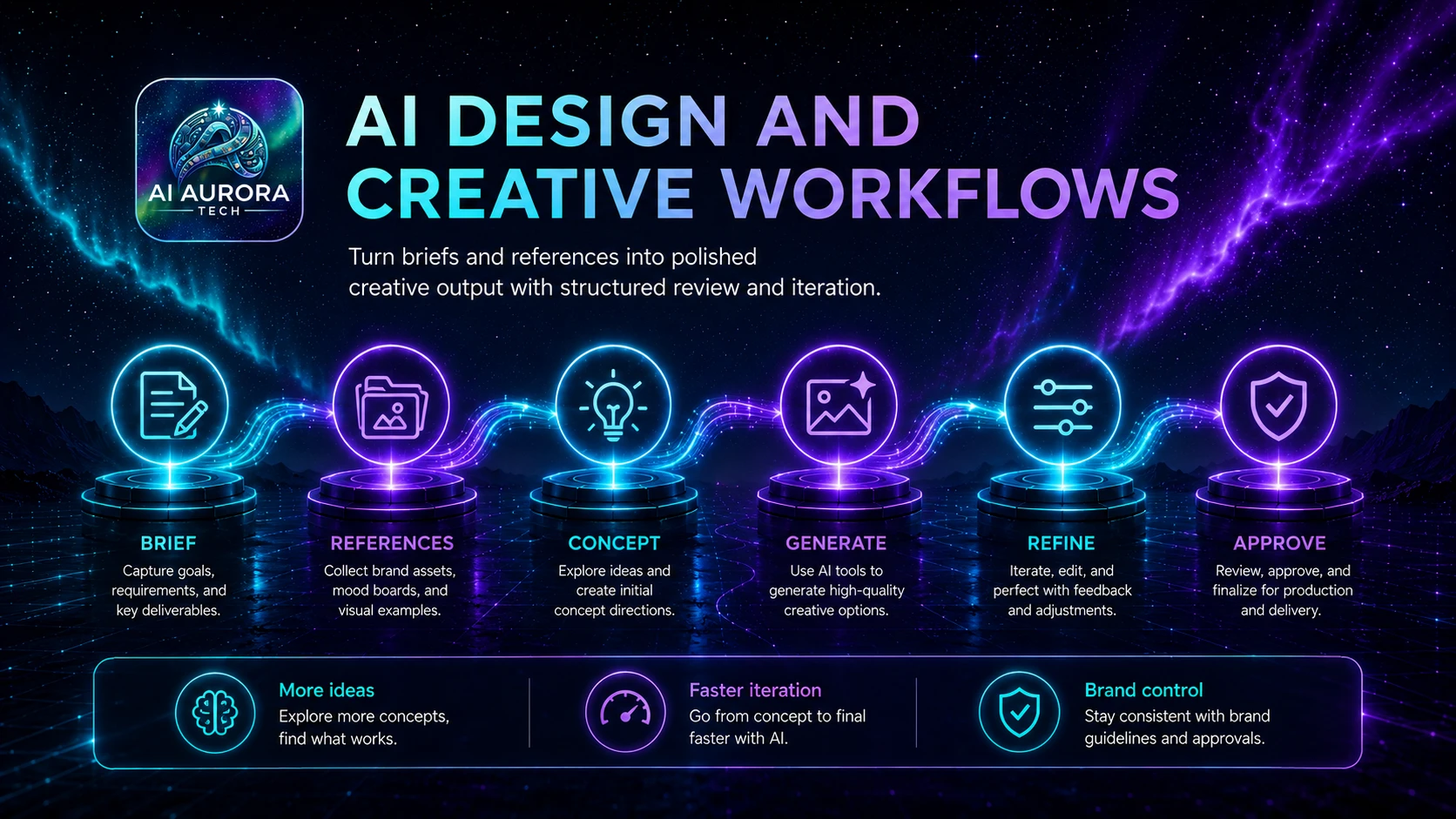
AI creative tools are useful for exploration and production support. They are not a substitute for licensing checks, brand judgement or accessibility.
Common jobs
- Generate visual directions and concepts
- Create production-ready variations
- Edit and extend existing assets
- Build social and presentation graphics
- Speed up repetitive creative tasks
How to choose
- Start with a recurring job and the result you need.
- Check whether an existing tool already covers the requirement.
- Test output quality on representative work, not a polished demo.
- Review data handling, permissions, export options and integrations.
- Calculate the full cost, including setup, review and maintenance.
Browse the tools
The profiles below explain best-fit users, strengths, cautions and alternatives. Pricing and product limits change, so verify current plan details on the official website.
Related reading: How to Choose AI Tools Without Wasting Money.
Pages in this section
- Midjourney — Midjourney review for practical users: best use cases, strengths, limitations, pricing considerations and alternatives.
- Adobe Firefly — Adobe Firefly review for practical users: best use cases, strengths, limitations, pricing considerations and alternatives.
- Canva Magic Studio — Canva Magic Studio review for practical users: best use cases, strengths, limitations, pricing considerations and alternatives.