
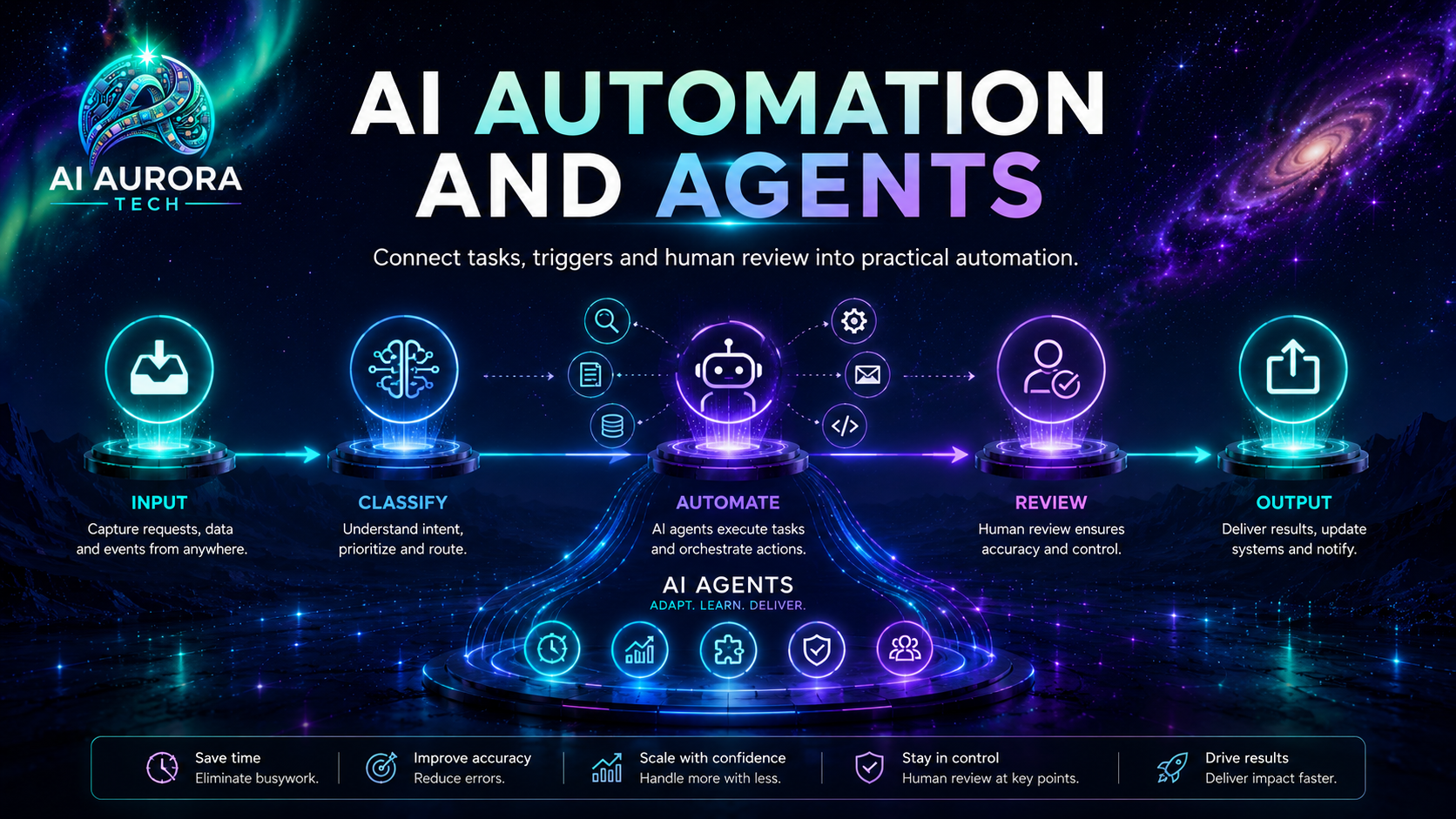
AI automation tools connect apps, move data and carry out repeatable actions. The useful question is not which platform has the longest feature list. It is which platform gives your team enough control without creating more cost, maintenance or operational risk than the workflow justifies.
Quick comparison
For most small teams, the starting choice is between Zapier’s speed, Make’s visual control, n8n’s technical flexibility and Pipedream’s developer-first execution model.
Compare the four tools
| Tool | Best fit | Pricing unit | Main advantage | Main caution |
|---|---|---|---|---|
| Zapier | Non-technical operators and broad SaaS stacks | Tasks; successful actions and some advanced usage draw from the account task pool | Fast setup and more than 9,000 documented app connections | Multi-step, high-volume workflows can consume tasks quickly |
| Make | Visual builders who need branching, transformation and closer inspection | Credits; most module actions use one credit, with some advanced AI features using more | Detailed visual scenarios and strong routing tools | The canvas and credit maths take more time to learn |
| n8n | Technical teams that want flexible logic or self-hosting | Cloud plans charge per complete workflow execution; self-hosted Community Edition is available | Unlimited workflow steps within an execution and substantial hosting control | Self-hosting transfers security, upgrades and reliability work to you |
| Pipedream | Developers building API-led and code-heavy workflows | Compute credits; generally one credit per 30 seconds at 256 MB per workflow segment | Prebuilt actions plus Node.js, Python, Go and Bash inside workflows | Less approachable for teams that want a purely no-code operating model |
Testing status: Documentation reviewed. These profiles use current official documentation and do not claim hands-on evaluation. Pricing and plan details were checked on 16 July 2026.
Begin with the workflow, not the platform
Write down the trigger, the information that enters the process, each required action, the approval point and the final destination. A tool cannot repair an unclear process. It can only execute the rules you give it—sometimes faster and at greater scale.
- Trigger: What starts the workflow: a form, schedule, email, database change, webhook or manual approval?
- Inputs: Which fields, files or records are required, and what happens when one is missing?
- Actions: Which systems need to be read, changed or notified?
- Decision points: Which branches are deterministic and which genuinely need judgement?
- Failure route: Who receives an alert, what can be retried safely and where is the original data retained?
- Owner and measure: Who monitors the workflow, and what result would make it worth keeping?
Best choice by user type
Fastest route for a non-technical operator
Start with Zapier when the required apps are supported and the workflow is straightforward. Its main advantage is reducing the distance between an idea and a working automation.
More visual logic without self-hosting
Consider Make when you need routers, filters, transformations and a canvas that makes data movement visible. It suits operators willing to learn a more detailed builder.
Control, custom logic and self-hosting
Consider n8n when technical ownership is available and workflow complexity or deployment control matters more than the shortest setup time.
Code-first API workflows
Consider Pipedream when developers need hosted triggers, actions and serverless code without maintaining a full integration service.
Understand the billing unit before comparing prices
The headline subscription is only one part of operating cost. Each platform counts usage differently, so the same workflow can produce very different bills.
| Billing model | Practical implication |
|---|---|
| Per action or module | A workflow that processes one item through five billable actions may consume roughly five tasks or credits. Branching, loops and record-by-record processing can multiply usage. |
| Per complete execution | A long workflow may still count as one execution, although concurrency, retention and plan limits remain relevant. |
| Per compute time | The number of steps matters less than runtime, memory and how the workflow is segmented. Long-running or high-memory code costs more. |
| Self-hosted software | The licence may be free, but infrastructure, monitoring, backups, patching and incident response are not. |
Model the expected monthly volume with representative data before buying a plan. Include retries, duplicate events, loops and seasonal peaks rather than calculating from the happy path alone.
Automation versus agents
Deterministic automation is usually the safer first choice when the trigger, rules and expected output are known. An agent can be useful when a task requires interpreting unstructured input or choosing among tools, but it also creates a wider range of possible actions. Give agentic steps narrow permissions, explicit stop conditions, test data and human approval before irreversible actions.
A practical control rule
Use automation for repeatability; use AI for bounded interpretation; keep a person responsible for consequential decisions.
Data, credentials and operational control
Automation platforms often hold credentials that can read or change multiple business systems. Review the vendor’s security documentation, but also control your own configuration. Use scoped accounts where possible, remove unused connections, separate testing from production and avoid sending sensitive fields merely because they are available.
- Prefer OAuth or narrowly scoped service accounts over shared administrator credentials.
- Check what execution data and logs are retained, and whether you can reduce or delete them.
- Record who can edit, activate and inspect production workflows.
- Create an alert and fallback path for failed or delayed executions.
- Keep a copy of essential mappings, field definitions and business rules outside the automation platform.
Common selection mistakes
- Choosing by app count alone. A listed integration may not expose the exact trigger or action you need.
- Ignoring data shape. Most automation effort appears in mapping, cleaning and handling inconsistent inputs.
- Underestimating loops. Processing every line item or contact separately can transform a cheap workflow into a high-usage one.
- Automating an unstable process. If people still disagree about the correct outcome, automate only the stable parts.
- No failure owner. A silent automation failure can be worse than the manual process it replaced.
- Starting with an agent. A fixed rule is easier to test, explain and audit when the work does not require discretion.
Suggested first pilot
Choose one repetitive workflow that runs often enough to measure but is safe to reverse. A useful example is routing a new enquiry: capture the form, validate required fields, create or update a CRM record, notify the owner and log the outcome. Run it with test data, then a limited live sample. Measure successful completions, exceptions, manual minutes saved and the number of records that needed correction.
The tools in this category
Zapier
Broad no-code integration coverage and a short route to common business automations.
Make
A visual-first scenario builder with detailed routing, mapping and transformation.
n8n
Flexible workflow automation for technical teams, available as cloud and self-hosted editions.
Pipedream
Hosted event workflows and managed integrations with first-class code steps.