
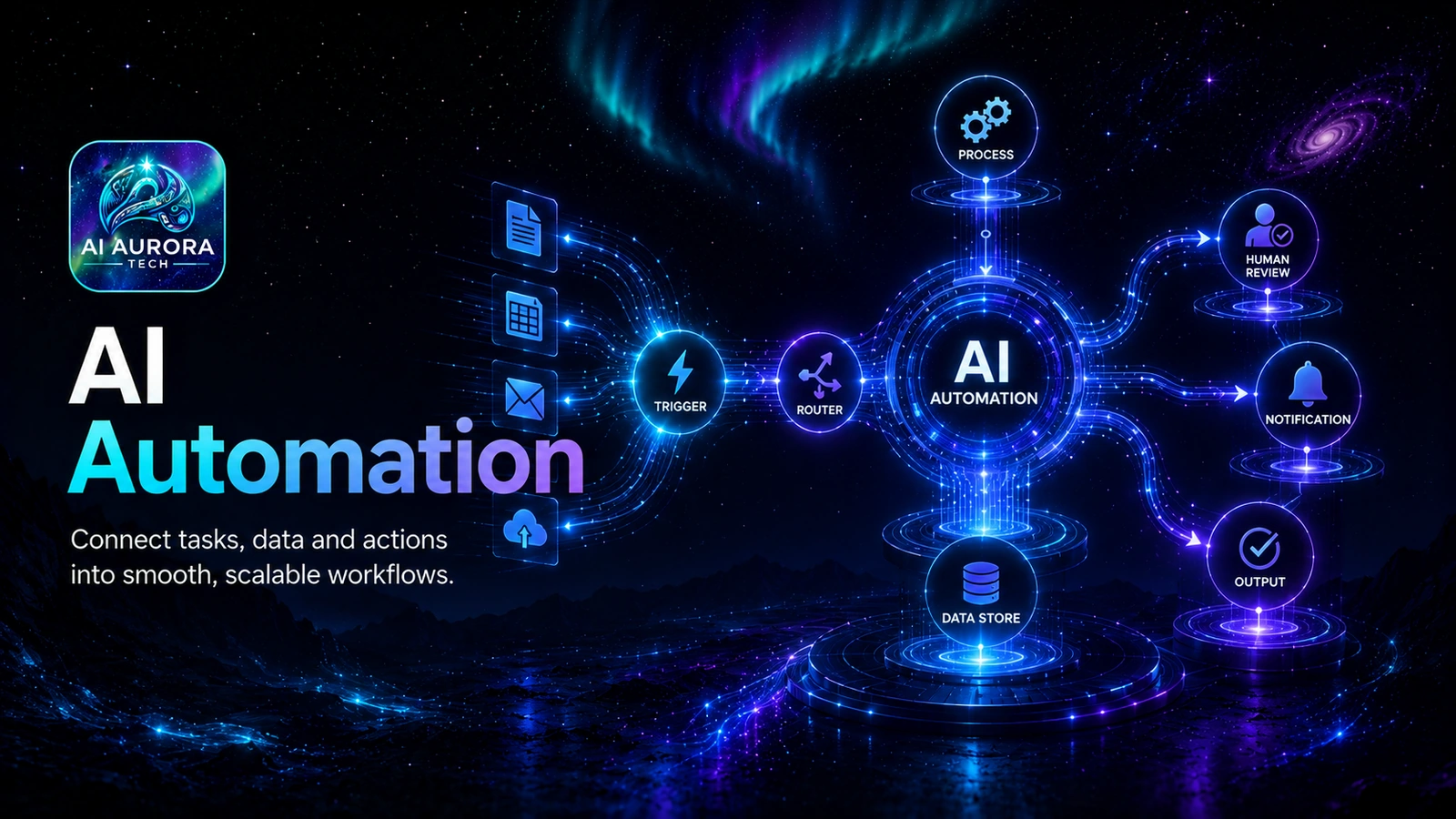
AI automation is the design of a repeatable system that moves information or work between defined steps. AI can help classify, extract, draft or decide within that system, but the automation still needs clear inputs, permissions, approval points, monitoring and a way to recover when something goes wrong.
The useful starting point
Automate a stable process, not a vague ambition. A good first project has a clear trigger, structured inputs, a repeatable decision or transformation, a known destination and an owner who can recognise failure. Begin with one bounded workflow and keep a manual route available until the evidence supports wider use.
What this topic covers
- Workflow selection: finding recurring work with enough volume and consistency to justify automation.
- Process mapping: documenting triggers, inputs, rules, actions, hand-offs and exceptions before choosing software.
- AI versus rules: deciding which steps require language or classification and which should remain deterministic.
- Tool architecture: choosing an automation platform, model or service that fits the operator, systems and control requirements.
- Human approval: placing review where errors could affect customers, money, rights, reputation or important records.
- Reliability: monitoring runs, controlling retries, preventing duplicates and preserving a manual fallback.
- Measurement: checking cycle time, rework, exception rate, cost and output quality rather than claiming theoretical time savings.
When automation is a good fit
| Good candidate | Why it can work | Warning sign |
|---|---|---|
| A recurring trigger starts the same process | The workflow can begin consistently without someone interpreting an open-ended request | Different cases enter through informal messages with missing information |
| Inputs have a known structure | Required fields can be validated before later actions run | The process depends on unstated context held by one person |
| Rules are explainable | The team can describe normal routing and escalation conditions | Experienced staff disagree about what should happen |
| Actions are reversible or reviewable | Errors can be caught before causing lasting harm | The first automated action makes an irreversible payment, deletion or commitment |
| One person owns the result | Someone can review alerts, fix exceptions and improve the workflow | The automation is treated as ownerless background infrastructure |
Use AI only where it adds something useful
Many business automations do not need AI. Moving a completed form into a CRM, creating a task or sending a standard receipt can usually use fixed rules. AI becomes useful when the workflow must interpret variable language, extract fields from documents, classify an enquiry or prepare a draft. Even then, the surrounding routing, permissions and final actions should be as deterministic as practical.
Do not confuse flexibility with reliability
A model may handle varied inputs that fixed rules cannot, but its output can also vary. Give AI a narrow job, define the allowed output structure and send uncertain or high-impact cases to a person.
Choose an operating model
| Operating model | Usually suits | Explore |
|---|---|---|
| Accessible no-code automation | Small teams that prioritise fast setup and broad app connections | Zapier |
| Visual scenario building | Operators who want more visible branching and data transformation | Make |
| Control and self-hosting options | Technical teams that need deeper workflow control and deployment choices | n8n |
| Developer-first integration | Teams comfortable combining code, APIs and managed workflow infrastructure | Pipedream |
The AI Automation & Agent Tools category compares these products by operator skill, billing unit, workflow complexity, hosting responsibility, error handling and data control. Use the AI tool selection framework before committing a team or critical process.
Start with the complete implementation guide
AI Automation for Small Business provides the step-by-step method: choose a candidate, map the current process, separate rules from AI, define data boundaries, design approvals, run a narrow pilot, test failure cases and measure the result.
A practical learning path
- Understand the system: read Prompting vs Systems to see why repeatable results need more than a reusable prompt.
- Choose a lean architecture: use The Practical AI Stack to define the assistant, source of truth, automation layer and governance.
- Select the platform: compare the automation category and its four current profiles.
- Build one bounded workflow: follow the cornerstone guide on this topic and retain a manual route during the pilot.
- Review the evidence: decide whether to improve, expand, pause or remove the automation.
Common mistakes
- Automating a broken or undocumented process and making its problems happen faster.
- Using AI for steps that could be handled more predictably with validation and fixed rules.
- Giving one connection broader permissions than the workflow actually requires.
- Allowing retries to create duplicate emails, records, tasks or charges.
- Publishing AI-generated customer communication without suitable review.
- Counting successful runs while ignoring exceptions, rework and silent failures.
- Launching without an owner, change log, alert route or manual fallback.
Evidence and responsibility
AI Aurora treats automation as an operational system. Our Review Methodology explains how product information is researched, while the AI Use Policy describes where AI may assist and where human responsibility remains. Official risk, data-protection, assurance and security guidance informs the framework on this topic.